

Imagine travelling without digging through your bag for your passport. You just open your phone, tap your screen, and your ID is right there.
That’s what Apple is planning next. Recently, Apple said U.S. passport digital IDs are coming to Wallet ‘soon’, and it’s already got travellers talking. This update could make airport check-ins and ID checks faster, safer, and a lot less stressful.
But before we jump in, let’s break down what this means and how your Apple Wallet will soon become even more useful in daily life.
Understanding the Update: What Apple Announced
Apple confirmed that users will soon be able to store their U.S. passport digital IDs directly inside the Apple Wallet. This move is a big step towards replacing physical IDs with digital ones.
Right now, Apple is already working with U.S. state authorities to test digital driving licences. The passport addition is the next logical step. With this feature, travellers could show verified digital identification at airports, government offices, and even hotels, all through Apple Pay Wallet.
What Is Apple Wallet and How Does It Work?
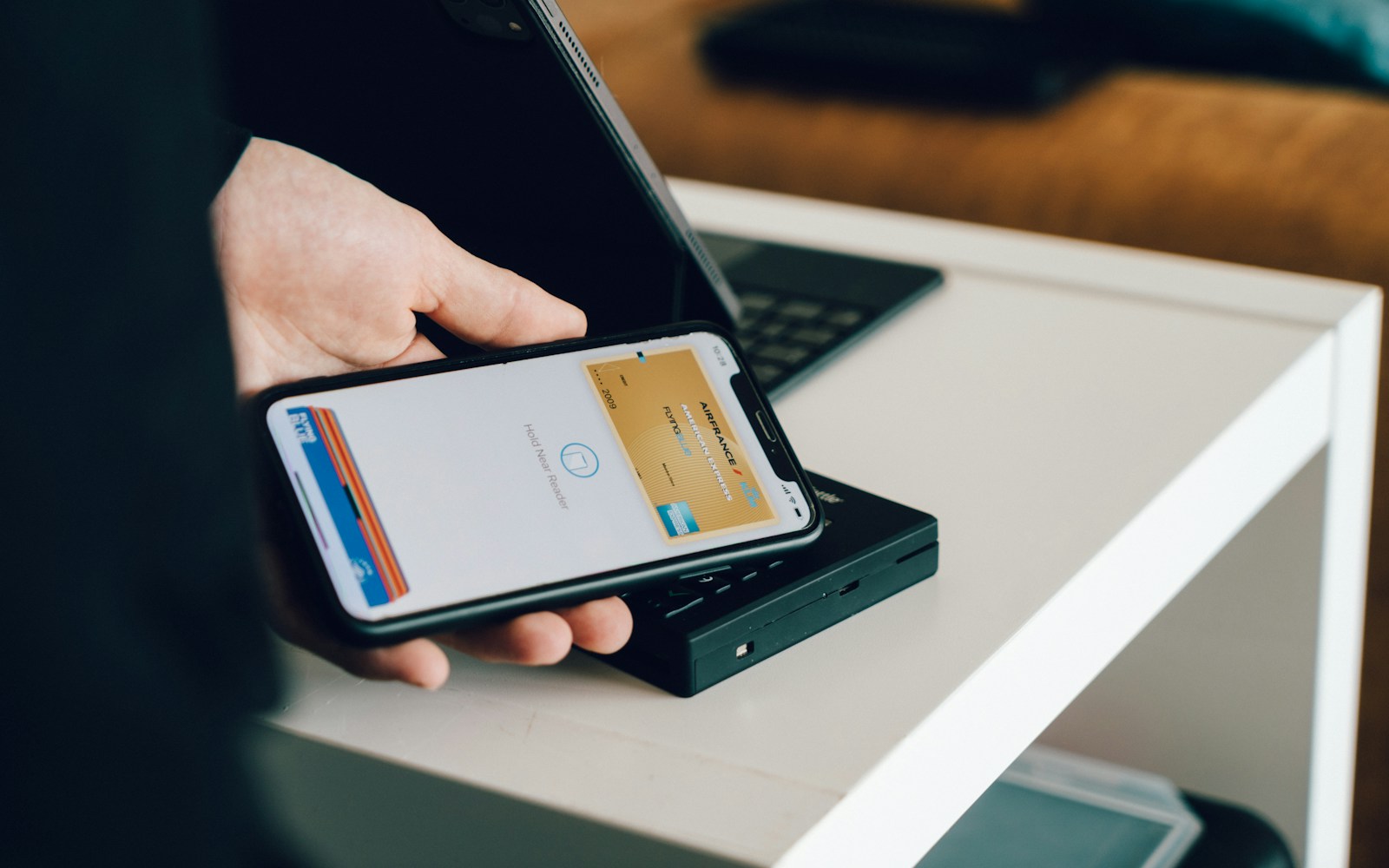
So, what is Apple Wallet exactly? Think of it as your phone’s smart pocket. It safely stores credit cards, tickets, keys, and soon, digital passports.
It’s already a trusted part of Apple Pay wallet, which lets you pay for things with just a tap. Adding IDs simply turns it into a one-stop digital tool for payments and identification.
How to Use Apple Wallet
If you’re wondering how to use Apple Wallet, it’s simple:
- Open the Wallet app on your iPhone.
- Add your card or ticket by scanning or using the “+” sign.
- Tap your iPhone at supported readers for payment or entry.
Soon, you’ll also be able to use it for border control and identity checks, securely and instantly.
The Future of Digital Identity with U.S. Passports
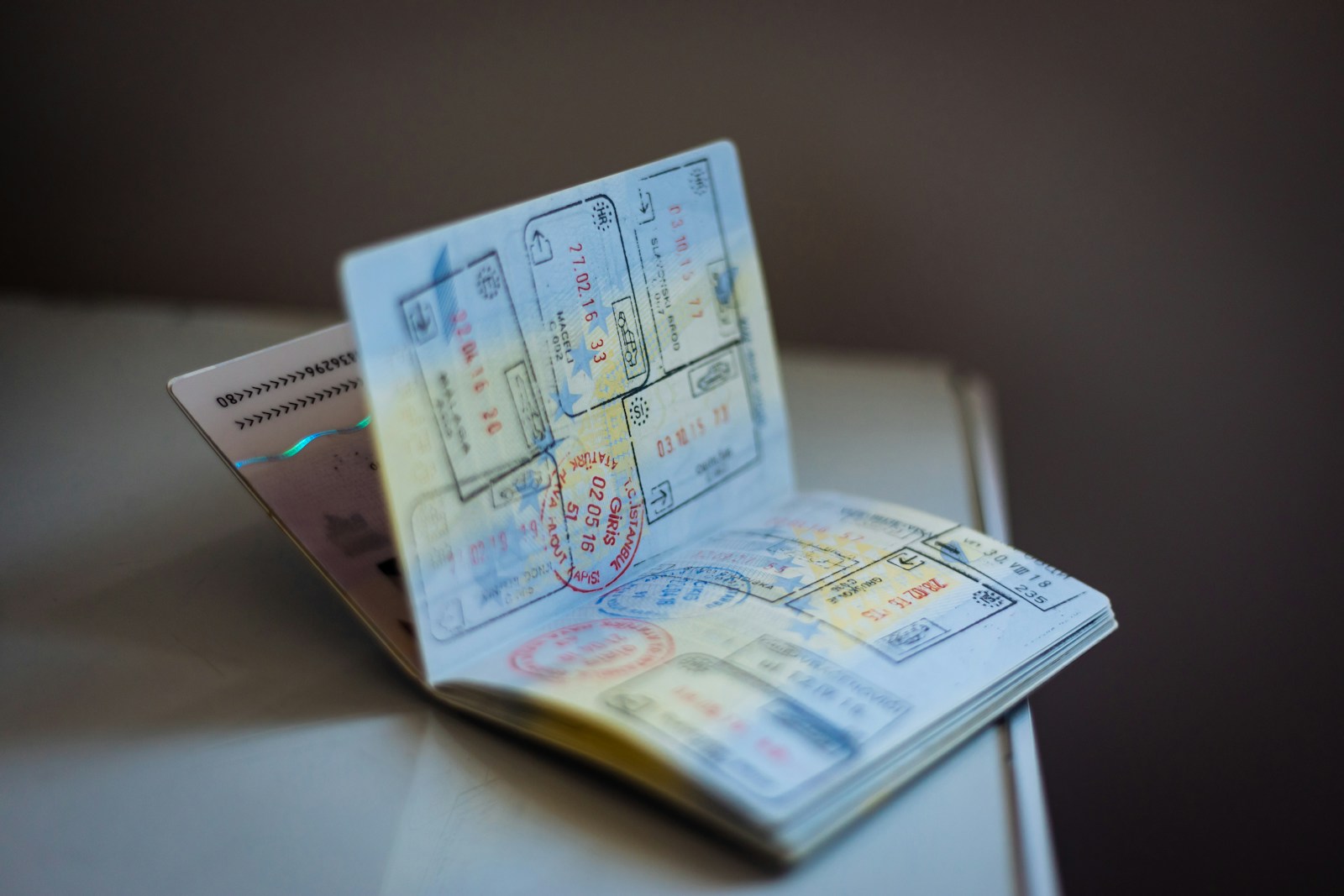
Apple’s new move could change how we handle identity everywhere.
By storing verified passports in Apple Wallet, users could skip paper forms and reduce waiting times.
Security will come from encrypted storage and Face ID, keeping your data safe inside Apple Pay Wallet.
For frequent flyers, this means faster boarding and fewer lost documents. For Apple, it’s another step toward making your iPhone your all-in-one digital identity tool.
Quick Tips Managing Your Apple Wallet
How to Remove a Card from Apple Wallet
You’re always in control. If you want to delete a payment method, open Wallet, tap the card, and choose “Remove Card.”
This works whether you’re asking how to remove a card from Apple Wallet or how to remove a card from Apple Wallet, the process is the same and only takes seconds.
How to Add a Gift Card to Apple Wallet
Got a gift card? Here’s how to add a gift card to Apple Wallet:
- Open Wallet and tap the “+” symbol.
- Choose “Add Gift Card.”
- Scan or type your code.
- It’s also easy to add a Visa gift card to Apple Wallet, just select Visa when adding the card and follow the same steps.
How to Transfer Tickets from Apple Wallet
Need to share event or travel tickets? Here’s how to transfer tickets from Apple Wallet:
- Open the ticket in your Wallet.
- Tap the “Share” button.
- Send it via iMessage or AirDrop.
- It’s fast, paperless, and safe.
How to Access Your Apple Wallet from Online
If you’re away from your device, you can still check your stored passes. To learn how to access your Apple Wallet online, simply sign in to your iCloud account on the web and view your linked items securely.
Why Digital Passports in Apple Wallet Matter
This new feature could make travel and identity checks easier for millions of people.
Here’s why it’s important:
- Convenience: No more carrying bulky documents.
- Security: Face ID and encryption protect your private data.
- Speed: Quicker airport screening and ID verification.
When Apple says U.S. passport digital IDs are coming to Wallet ‘soon’, it’s not just an upgrade, it’s a sign of what future travel looks like.
Privacy and Security: Staying Safe with Apple Pay Wallet
Apple has built strong security into its ecosystem.
All your cards and IDs inside the Apple Pay wallet are encrypted. Only you can unlock them using Face ID or Touch ID.
Even Apple can’t see your passport or transaction data, that’s how serious the company is about privacy.
What’s Next for Apple Wallet
By 2026, Apple Wallet might hold more than passports. We may see health records, student IDs, and global driving licences added too.
The goal is clear, a truly wallet-free world, where your phone safely carries everything you need.
A Step Closer to Digital Freedom
So, when Apple says U.S. passport digital IDs are coming to Wallet ‘soon’, it’s not just tech news, it’s progress. The Apple Wallet is becoming more than a place for cards. It’s turning into your secure ID, travel pass, and payment tool in one.
The future of identity is digital, and Apple’s taking the lead, one update at a time.
Stay Informed with Infor Vias
Want to stay ahead of tech updates that shape how we live and travel? Visit Infor Vias for simple, clear insights on innovation, digital identity, and technology that make life easier.
FAQs
How to remove a card from Apple Wallet?
Open your Apple Wallet, tap on the card you want to delete, and choose “Remove Card.” This helps if you’ve changed banks or want to keep your Wallet tidy and secure.
How to add a gift card to Apple Wallet or Apple Pay Wallet?
Tap the “+” icon in Apple Wallet, select “Add Gift Card,” then scan or enter your card code. It’s an easy way to keep all your cards together and ready to use on your phone.
How to access your Apple Wallet online?
Go to iCloud.com and sign in with your Apple ID to view your linked cards and passes. This is handy when you’re away from your phone but still need to check your wallet items.
Ready to take your creativity to the next level? Explore Trends Ideas
and discover what’s shaping the future of digital innovation!